
Course certificates
Certificates your learners can verify.
Issue a certificate when a learner finishes, with a public page where anyone can check that it is genuine.
For course creators, training companies and exam preparation providers who give learners a record of completion.
Why course certificates matters
Learners ask for proof they finished, and employers ask whether it is real. A certificate is useful when both questions have an easy answer.
Progress is derived from completed lessons, never typed in, so the certificate appears only when the course has actually been finished.
How course completion certificates works
- 1
Name the certificate
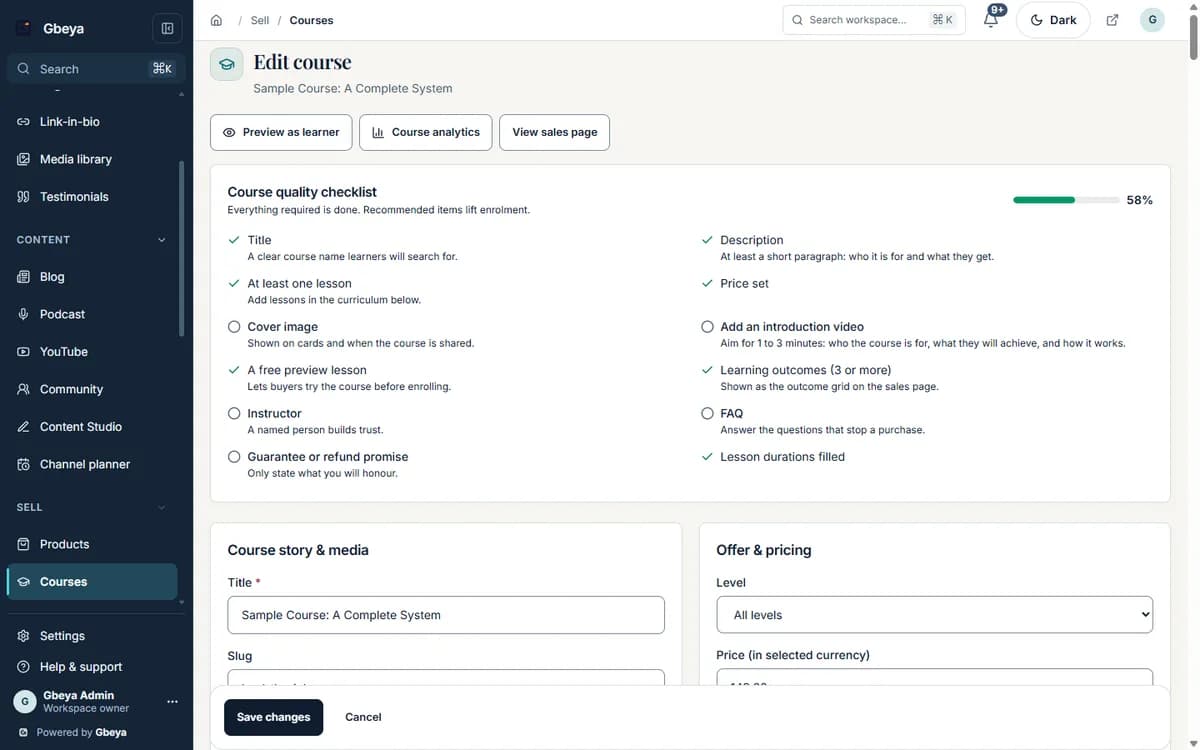
In the course settings, give the certificate a title. That single setting switches certificates on for the course.
- 2
Learner finishes
Progress is recomputed from the completed lessons. At 100% the learner sees a completion banner.
- 3
Download or print
The learner opens the certificate page and prints or saves it.
- 4
Anyone can verify
A code on the certificate can be entered on the public verification page to confirm it was issued.
Earned, not assumed
Certificates follow lesson completion, so you do not chase finishers by hand.
Checkable by a third party
A public verification page lets an employer or a client confirm a certificate without contacting you.
Honest about what it is
The certificate records completion of your course. It does not claim accreditation or workplace performance.
Why Gbeya
A certificate here is a verifiable record of completion that you configure, not a claim of accreditation, and the verification page is public so a third party never needs your login.
Certificates are tied to courses with progress tracking. Verification confirms that a certificate was issued by a Gbeya workspace, not that a regulator recognises it.
What Course certificates does
- Turn certificates on per course by giving the certificate a title; leave it blank and none is issued
- Issue the certificate when the learner reaches 100% progress, calculated from completed lessons
- Show the learner a completion banner with a link to a printable certificate page
- Give each certificate a code that anyone can check on a public verification page
- Keep the record on the learner enrolment, next to progress and access
Straight answers
Questions about course completion certificates
How do I turn certificates on for a course?
Give the course a certificate title in its settings. If the title is blank, no certificate is issued for that course.
When is a certificate issued?
When the learner reaches 100% progress. Progress is calculated from the lessons they have completed.
Can someone check that a certificate is real?
Yes. Each certificate carries a code, and a public page on gbeya.com lets anyone check it.
Is the certificate an accredited qualification?
No. It records that a learner completed your course. Accreditation comes from an accrediting body, not from software.
One part of your whole business on Gbeya
Every module shares one audience, one analytics spine and one login. 0% platform fee on your sales.