
Payments & instalments
Get paid your way, in your currency.
Connect your own payment account, sell one-time, subscription and instalment offers, and keep 100% of every sale.
For coaches, course creators and trainers who sell programmes, sessions and digital products.
Why payments & instalments matters
Most coaches and trainers start with a payment link and a spreadsheet. It works until the third person asks to pay in four parts, a corporate buyer wants an invoice, and someone in Ontario asks whether the price includes HST.
Here the payment is part of the offer. You choose how an offer is sold, the buyer pays through your gateway, and access, receipts and the client record follow from the same order.
How accept payments for courses and coaching works
- 1
Connect your account
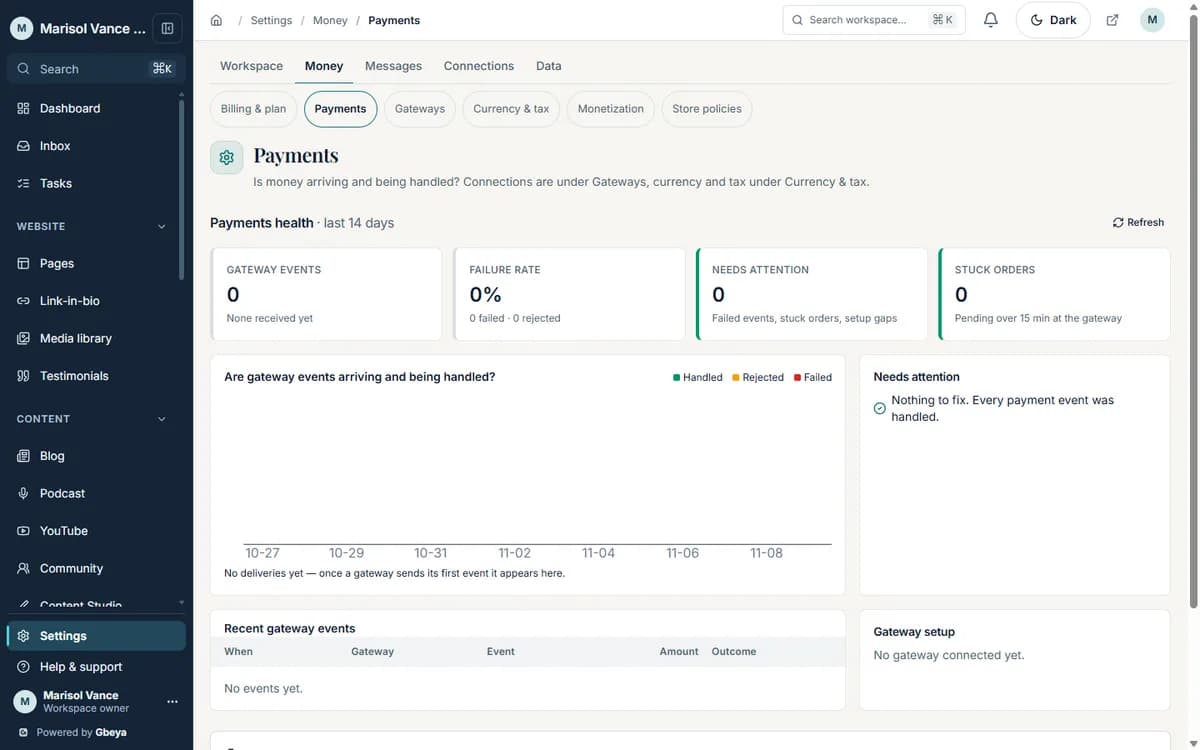
Add your own gateway in Settings, Payments. Credentials are stored encrypted, tested before they are saved, and every change is written to an audit log.
- 2
Shape the offer
Mark a course, programme, session package or product as one-time, subscription or instalments. Add a coupon, an order bump or a post-purchase upsell where it helps the buyer.
- 3
Take the payment
The buyer pays on your own host with your colours. Tax lines come from the rates you set for your workspace.
- 4
Deliver and reconcile
Access opens from the order. Orders, refunds and invoices stay on the same contact, so you can see who paid what and when.
Your gateway, your money
Each workspace connects its own payment account. Gbeya charges a 0% platform fee on your sales; your payment processor still charges its own fees.
Instalments that match the offer
Offer a programme in a set number of payments at a set interval, so a larger commitment is easier to say yes to.
Built for Canadian sellers
Charge in Canadian dollars by connecting Helcim, and start from provincial GST, HST, PST and QST presets that you can edit when a rate changes.
Why Gbeya
Gbeya never sits between you and your buyer: payments go to the account you connect, in your own currency, and the order, the access and the invoice are one record.
Which payment methods and currencies a buyer sees depends on the gateway you connect. Gbeya does not give tax advice: the Canadian tax presets are a starting point that you own and can change.
What Payments & instalments does
- Connect your own payment account: Stripe, PayPal, Square, Helcim, Paystack, Flutterwave, Paddle, Razorpay, PayU, Mercado Pago or Mollie
- Sell one-time, subscription and instalment offers, with a set number of payments and a payment interval
- Run percentage or fixed coupons with limits and expiry dates
- Add an order bump at checkout and a one-click upsell after the purchase
- Set tax rates per workspace, with editable GST, HST, PST and QST presets for every Canadian province
- Refund from the order, and see every sale next to the buyer, the course or the booking it paid for
Straight answers
Questions about accept payments for courses and coaching
Which payment gateways can I connect?
Stripe, PayPal, Square, Helcim, Paystack, Flutterwave, Paddle, Razorpay, PayU, Mercado Pago and Mollie. You connect your own account, so funds settle with you.
Does Gbeya take a fee on my sales?
No. The platform fee is 0% on every plan. Your payment processor charges its own processing fees, and you can see them on your processor statement.
Can buyers pay in instalments?
Yes. An offer can be sold as an instalment plan with a set number of payments at a set interval.
Can I charge in Canadian dollars and add GST or HST?
Yes. Connect a gateway that supports Canadian dollars, such as Helcim, and set your tax rates. Provincial GST, HST, PST and QST presets are provided and you can edit them. Confirm your registration and rates with your accountant.
How do refunds work?
You refund from the order. Refunds and voids run through the gateway that took the payment.
One part of your whole business on Gbeya
Every module shares one audience, one analytics spine and one login. 0% platform fee on your sales.