
Inbox & live chat
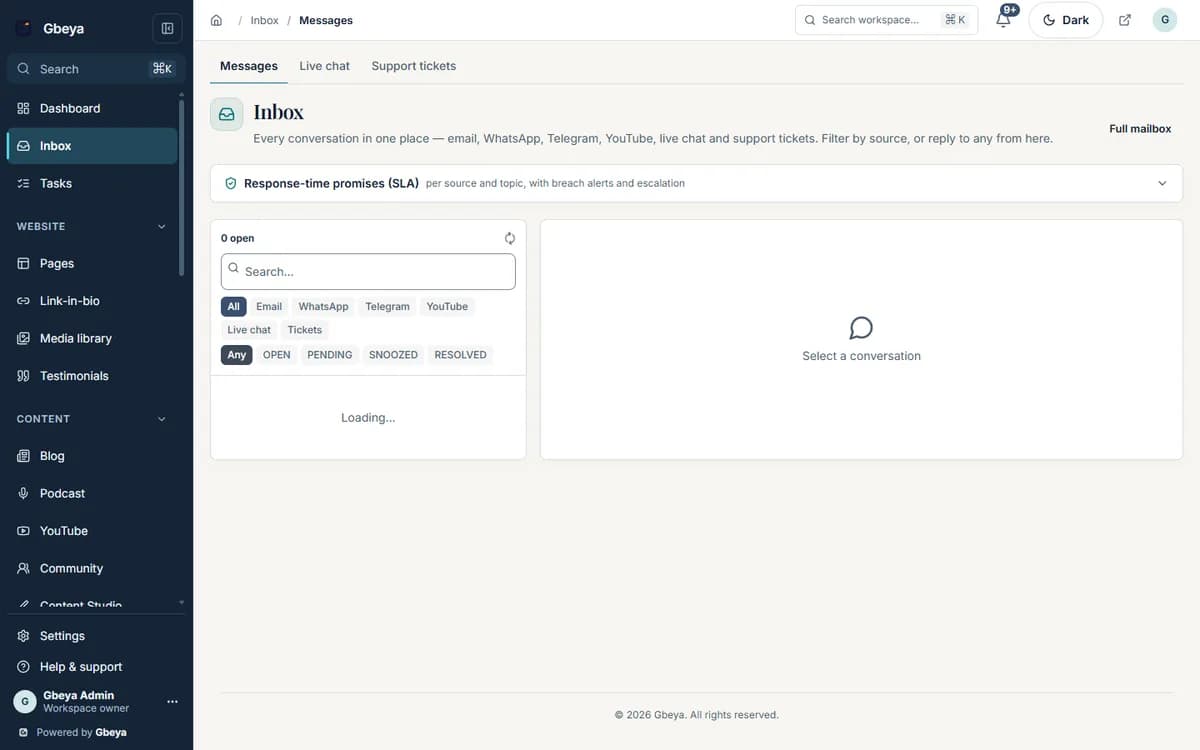
Every message, one inbox.
Contact forms, live chat and enquiries arrive in one list beside each person's CRM timeline, with mailboxes on your domain.
For coaches, consultants and small teams who answer prospects and clients from more than one place.
Why inbox & live chat matters
Replying quickly is the cheapest sales tool a small business has. It needs one place to look.
Everything visitors send lands in the inbox with the person timeline beside it, and drafts wait for your approval.
How live chat and shared inbox for small business works
- 1
Messages arrive
Forms, live chat and enquiries land in one list.
- 2
See the context
The CRM timeline of the person appears beside the conversation.
- 3
Reply or delegate
Reply from your domain, assign, snooze or turn it into a task.
- 4
Stay on your domain
Use hosted mailboxes on your domain or connect one you already have.
Context with every reply
Bookings, purchases and earlier messages sit beside the conversation.
Drafts you approve
The support assistant drafts from your knowledge; nothing is sent until you approve.
Your domain
Mail goes out from your own domain, and deliverability records are published for you.
Why Gbeya
The inbox is part of the CRM, so the history of a person is always one glance away from the reply.
The number of hosted mailboxes depends on your plan.
What Inbox & live chat does
- Collect contact-form messages by topic, live chat, and speaking and sponsorship enquiries in one list
- Open a conversation next to the person's CRM timeline
- Reply from the workspace, sent from your domain, assign to a teammate, snooze, or turn a message into a task
- Let the support assistant draft a reply from your knowledge, and approve it before it goes
- Host mailboxes on your own domain, or connect an existing mailbox over IMAP and SMTP
- Turn a mail message into a contact, task or booking
Straight answers
Questions about live chat and shared inbox for small business
What lands in the inbox?
Contact-form messages by topic, live chat, and speaking and sponsorship enquiries.
Can I use my own domain for mailboxes?
Yes. Create mailboxes on your domain in the workspace, use them in webmail or any mail app, or connect an existing mailbox over IMAP and SMTP.
Does the assistant reply by itself?
No. It drafts a reply from your knowledge and you approve it before it is sent.
Can several people share it?
Yes. Assign a conversation to a teammate, snooze it or turn it into a task.
One part of your whole business on Gbeya
Every module shares one audience, one analytics spine and one login. 0% platform fee on your sales.